Data. Action. Results.
Stay alive.
You share how you are, get 2 or 3 actions designed for your day and carry them out with the coach at hand.
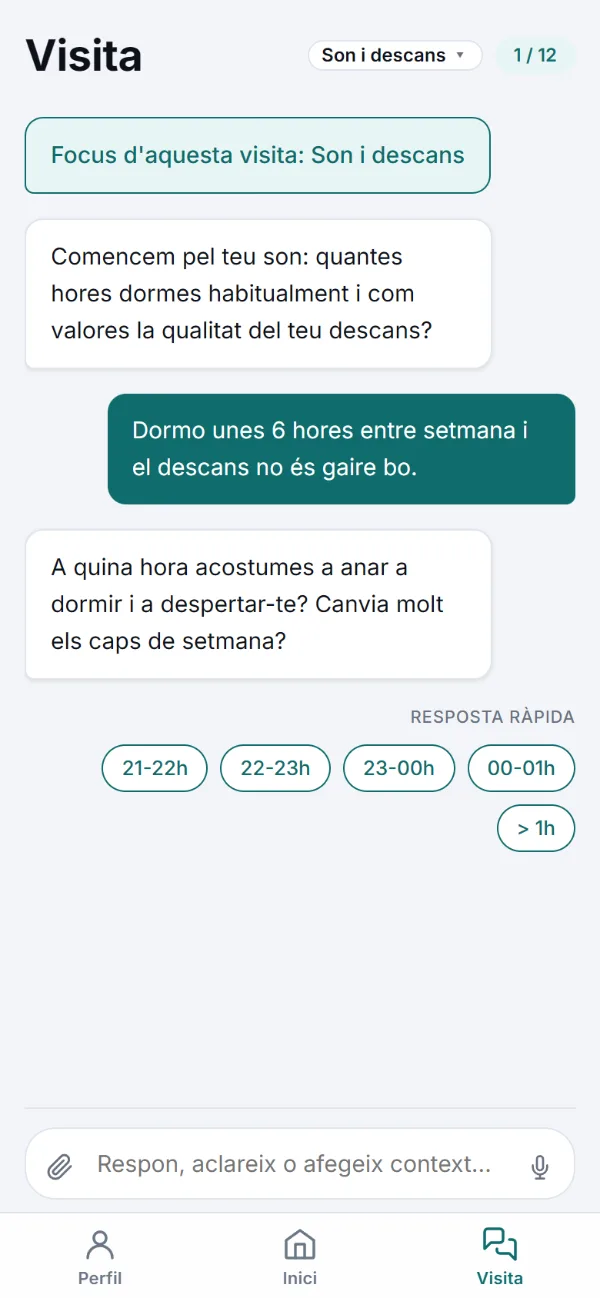
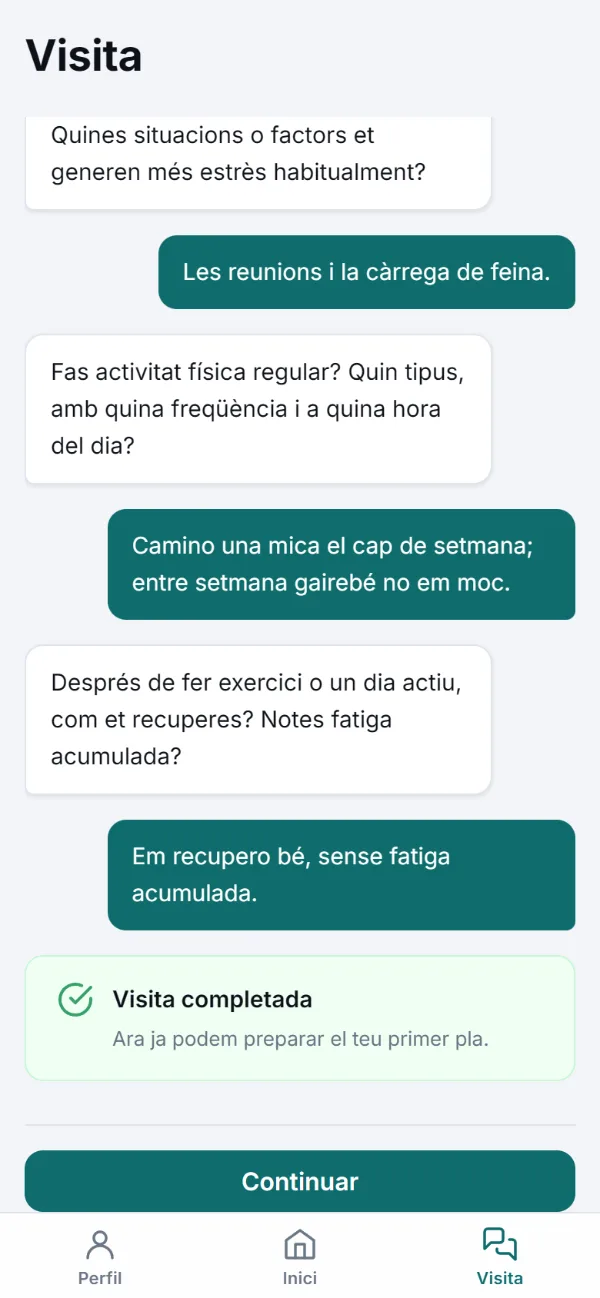
- Complete your visit
- We create your plan
- We help you follow it
Share how you are. Get where to start.
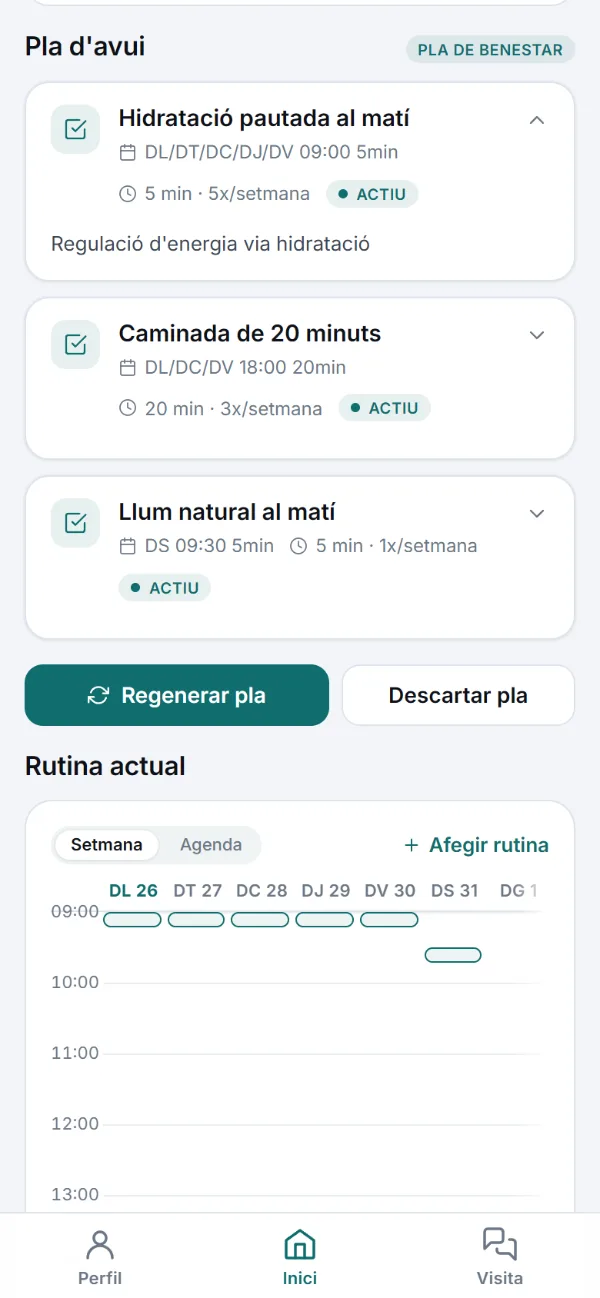
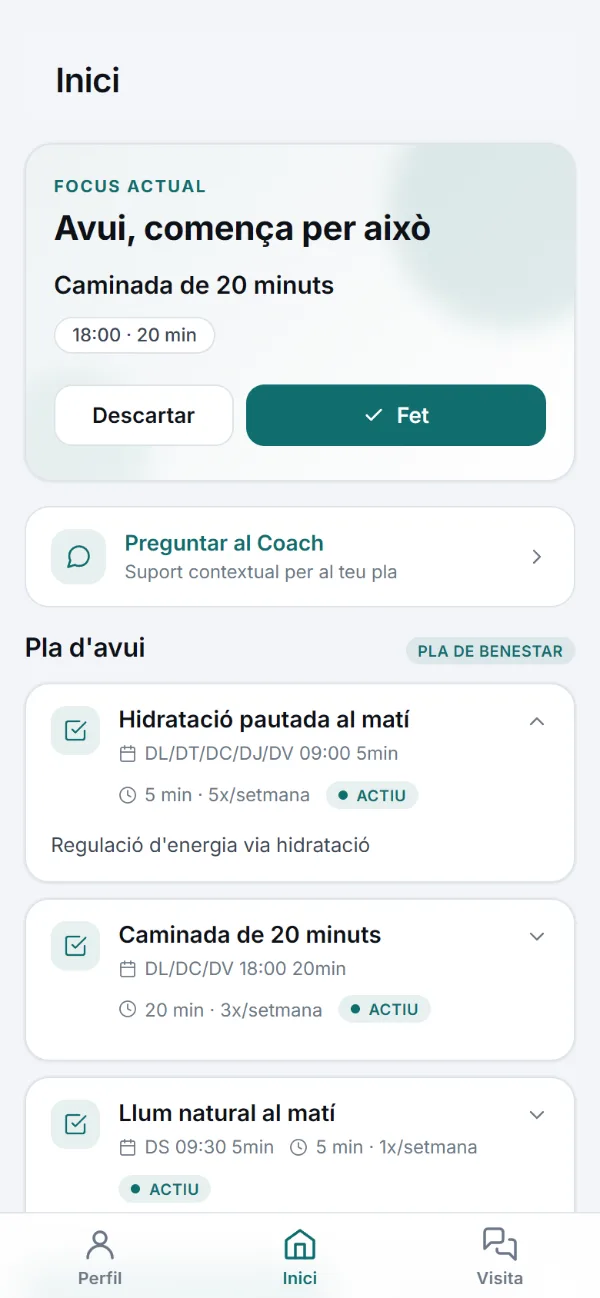
Know what's next today. See how your week is going.
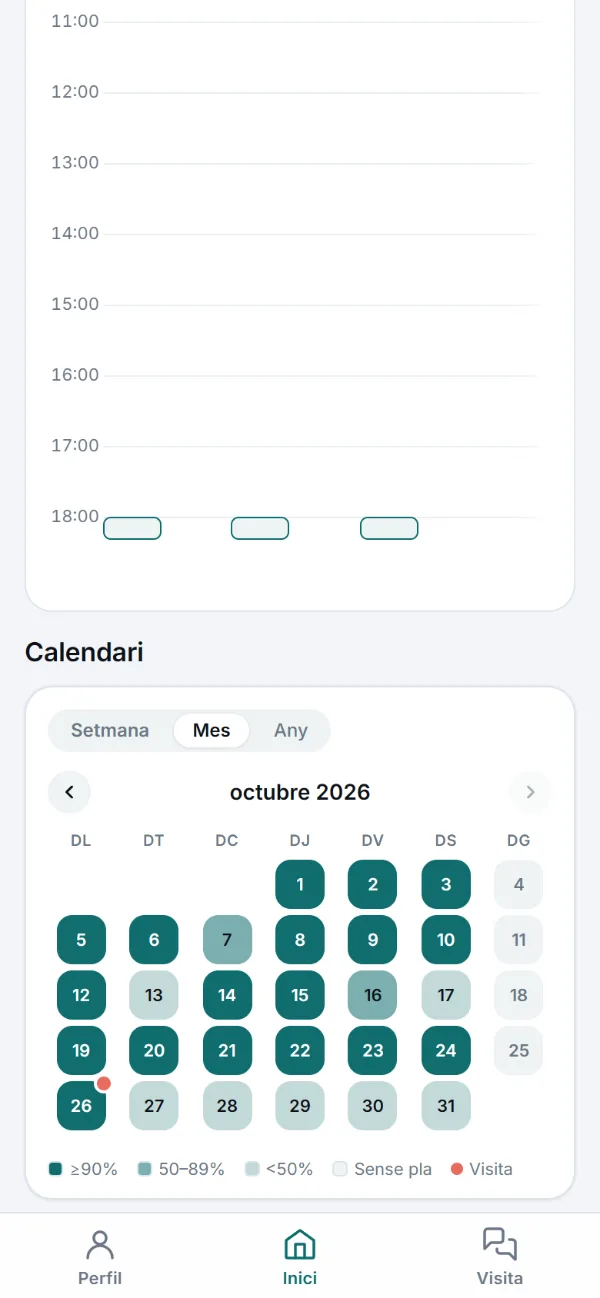
Home tells you where to start, you log what you've done there, and the calendar shows how your days have gone.
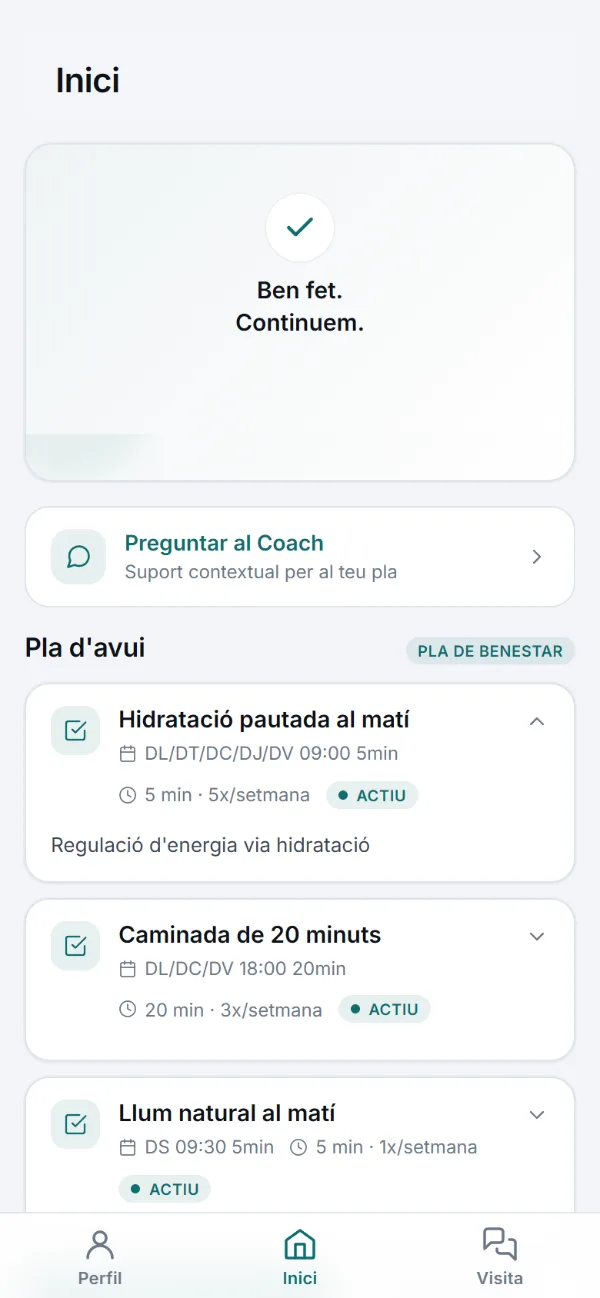
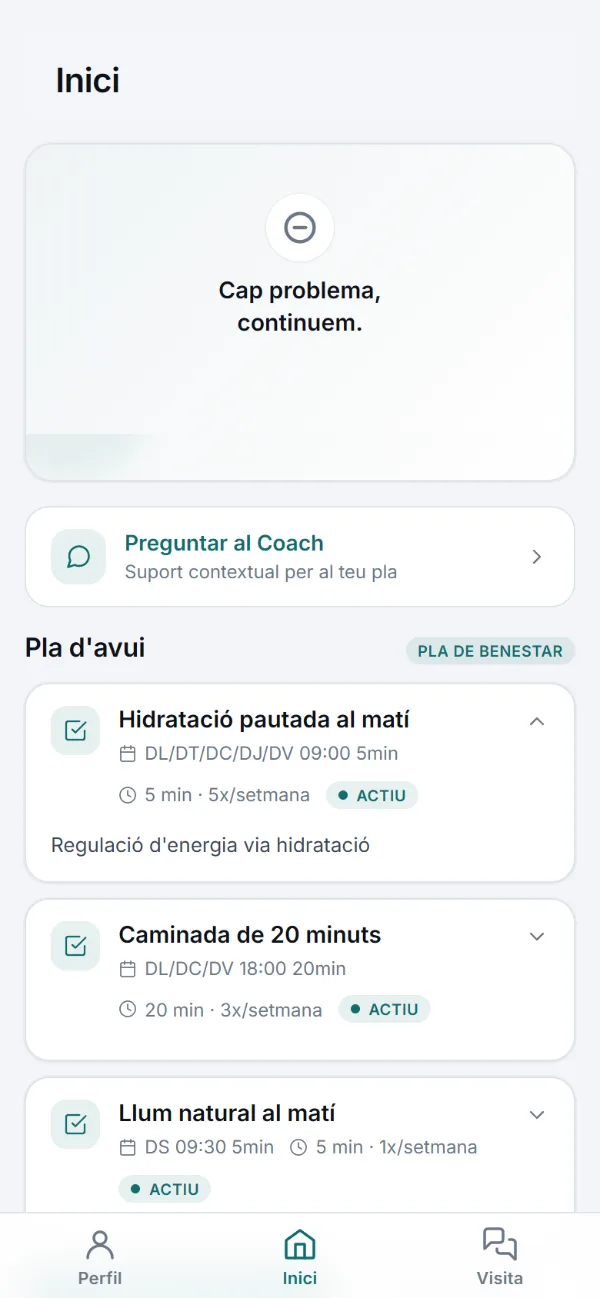
Your context, at hand. Support when you need it.
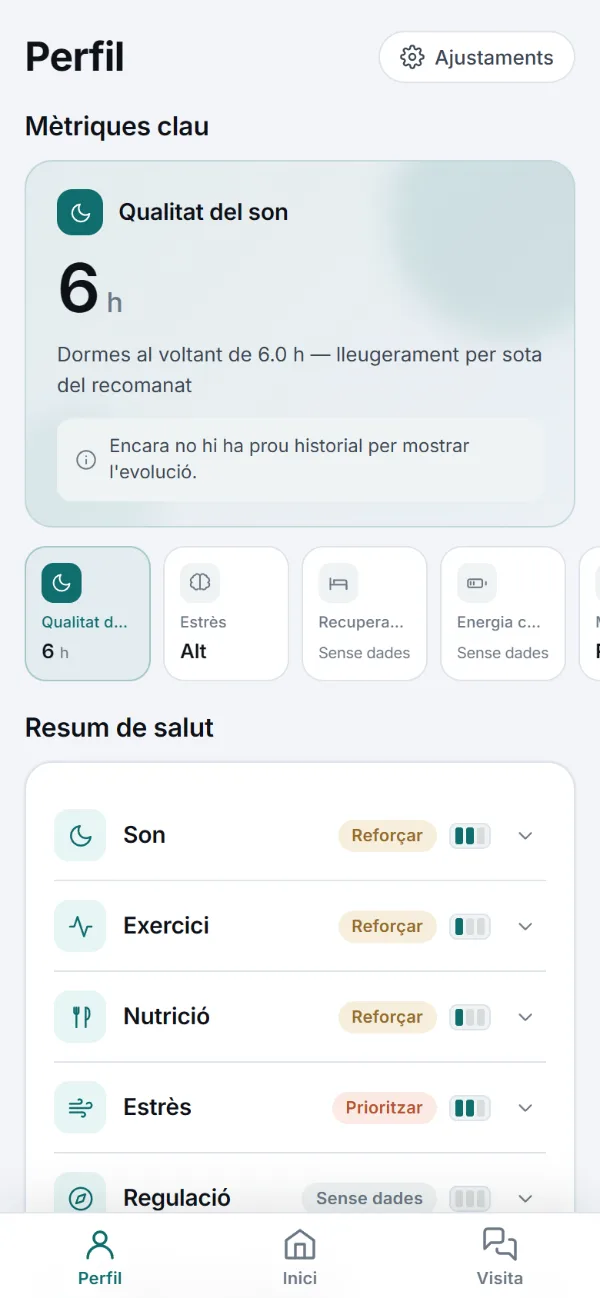
Profile
- The key metrics you have shared, such as hours of sleep.
- How each area is doing: sleep, exercise, nutrition, stress…
- Your goals and the visits you have done.
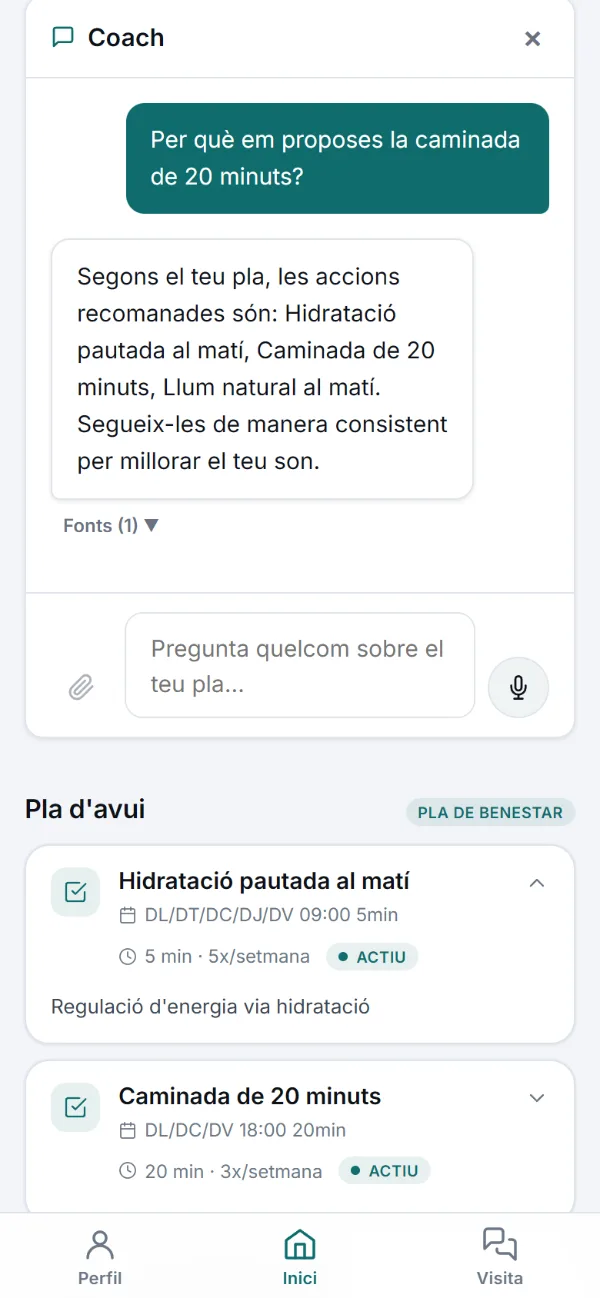
Coach
- Ask why an action is suggested or how to fit it into your day.
- It answers based on your plan and shows you the sources.
- You can type or speak.
Good to know
How does naro decide where to start?
From what you share in the Visit: how you sleep, your energy and stress, how active you are and the time you have. With that it picks 2 or 3 actions, puts them in order and explains why for each one. It is wellness guidance, not a diagnosis.
What if I have very little time?
The plan has a weekly time limit and the actions are short: in the example, 5 to 20 minutes. If you can't make it one day, you dismiss it and carry on the next day.
What if an action doesn't suit me?
For today, you dismiss it. If the whole plan doesn't suit you, you can regenerate or discard it from Home, and naro prepares a new one.
Do I need a smartwatch?
No. You can use naro with what you share in the Visit. Any additional data you share can enrich the context, but it isn't needed to get started.
How can I check my progress?
In the calendar on Home, by week, month or year: you see how much of the plan you did each day. The Profile shows your key metrics and how each area is doing.
What happens to my data?
We use it to personalize your plan and we don't sell it. You can delete your account from the app, and with it your profile, visits, plans and progress are erased.
When can I download it and how much will it cost?
Not yet. The app is in development and there is no launch date or pricing yet. We'll announce them when it's available to download.